
In order to access patient data, a practitioner (user) will need to first have a therapeutic relation with the patient. The medical relation API can be used to create therapeutic relation but relations can also be created in Brusafe+ portal.
The creation of such link consist in two steps :
- Requesting a therapeutic link
Select the request "Request therapeutic relation" and click "Send".
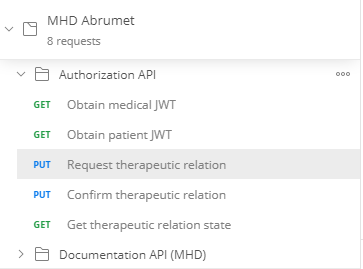

This request will initiate in Abrumet's backend a confirmation code that will be sent by SMS or email to the patient.
- Confirming the therapeutic link with a 4 digits code
Select "Confirm therapeutic relation" :
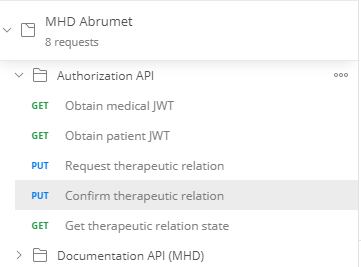
On the Params tab, a code field is present. Enter the confirmation code received by the patient in the corresponding value field

Once the code entered as value, click on the blue "Send" button.
If the response has no error, the therapeutic relation between the two users is created (user authenticated + patient linked to Patient NISS)